

Android Phone
Speak naturally to camera
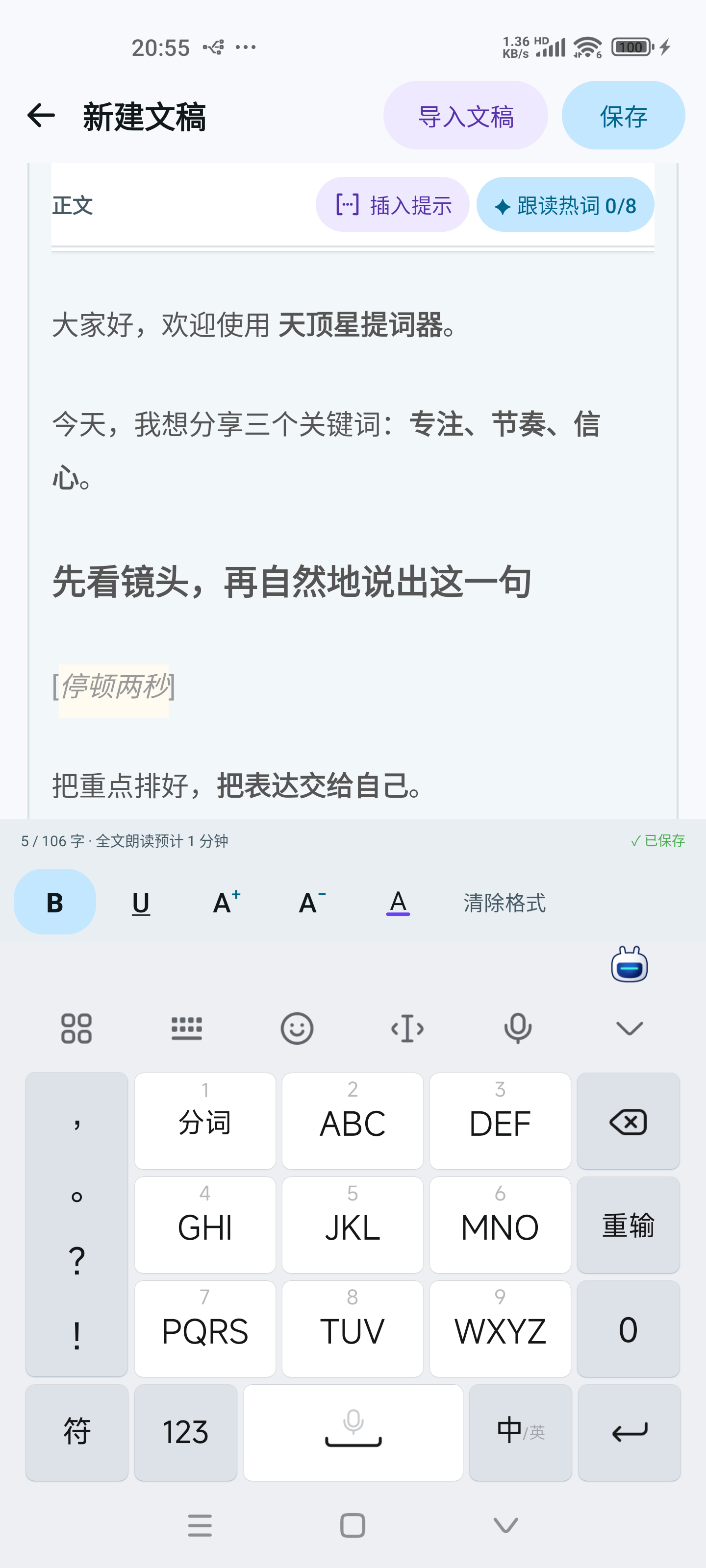
Manage scripts, format key lines, and start prompting from one place before or during a recording.
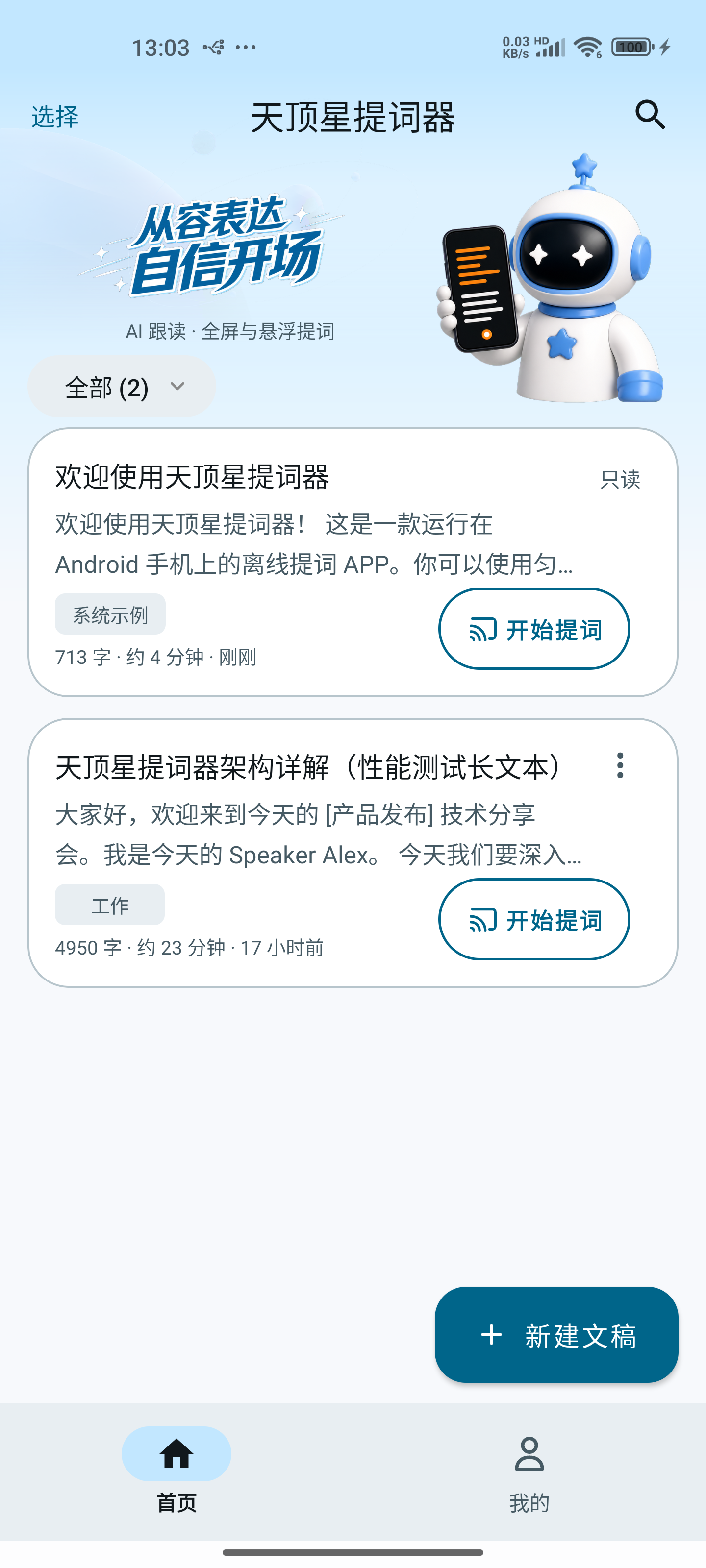
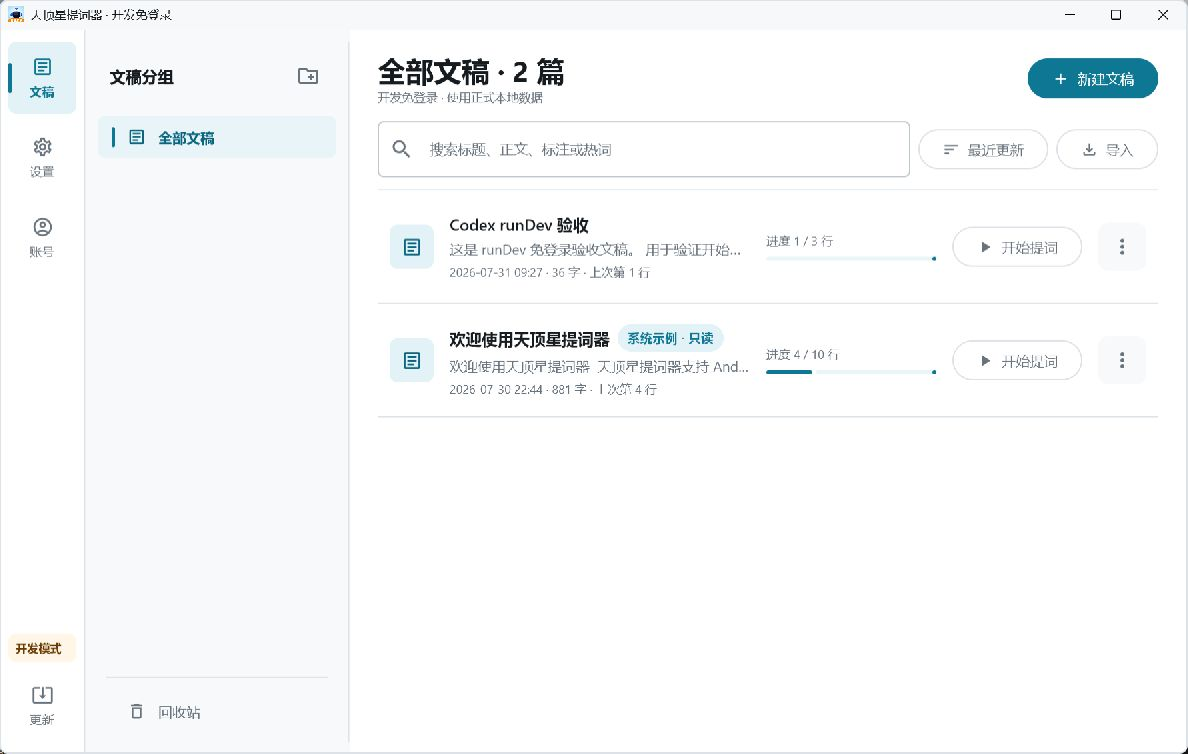
Phone / Tablet / Windows
Write, refine, and present on Android or Windows, with fixed-speed prompting or private on-device AI Follow.
Across Devices
Move naturally from quick phone recordings to landscape presentations and desktop live streams.
Manage scripts, format key lines, and start prompting from one place before or during a recording.
The landscape view keeps rich text, pace controls, the focus line, and playback tools easy to scan.
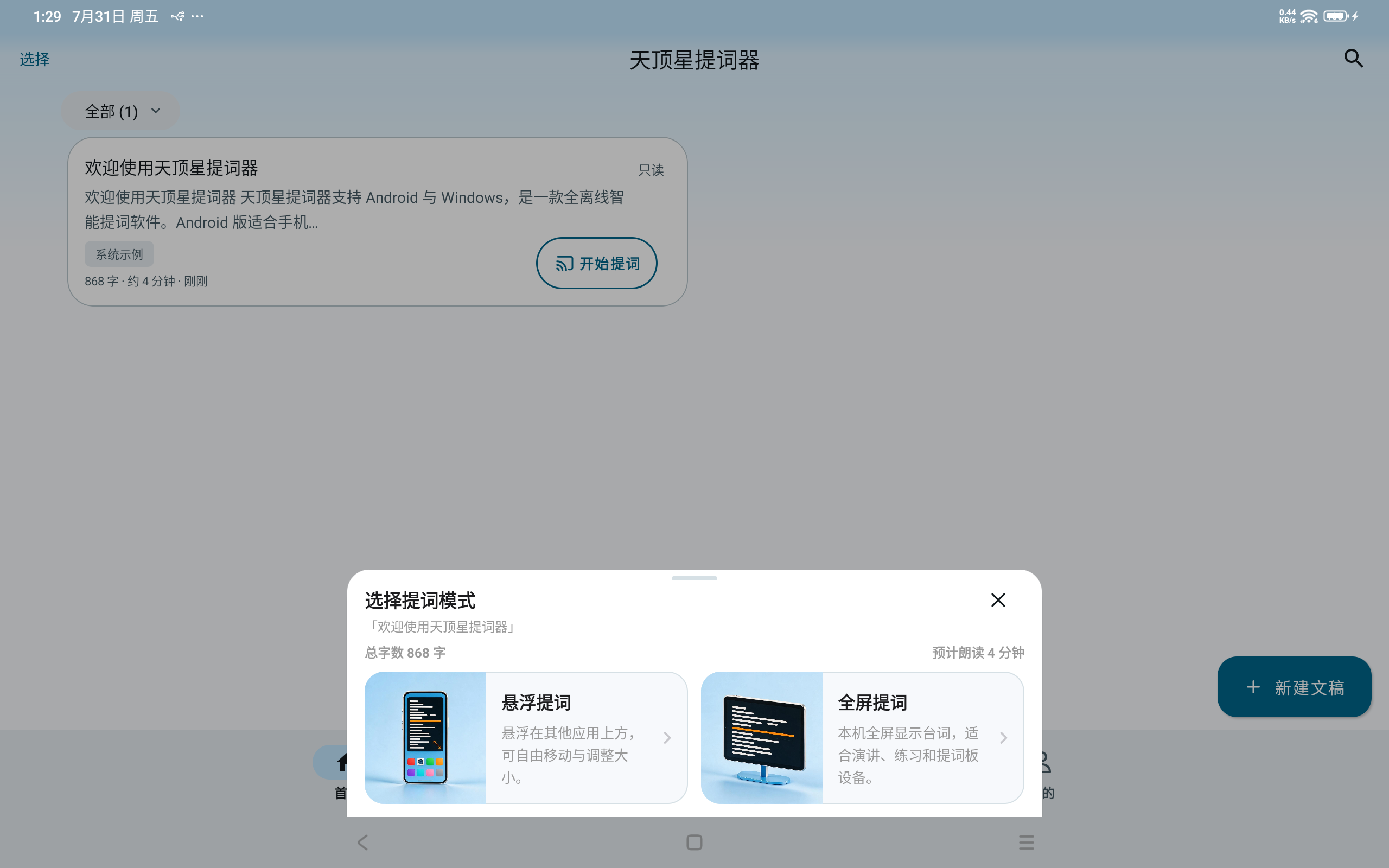
Organize content in the library, then control scrolling, progress, and prompt output from a dedicated console.
Core Features
Useful tools stay close at hand, so your attention stays on the message.
Follow Chinese, English, or mixed-language speech. Recognition, hotwords, and script matching all run locally on your device.
Place prompts over the system camera, then move, resize, or rotate the window while keeping your eyes near the lens.
Designed for presentations, rehearsals, and teleprompter rigs, with countdown, loop, mirror, and focus-line controls.
Create, edit, group, and restore scripts on your device, with custom hotwords for each script.
Your scripts and recognition audio are not uploaded. Audio is neither stored nor played back.
Script Creation
Bring in existing content, shape its hierarchy, and choose a theme that fits your environment.
Use bold, underline, font size, and color. Formatting stays with the script in full-screen and floating prompts.
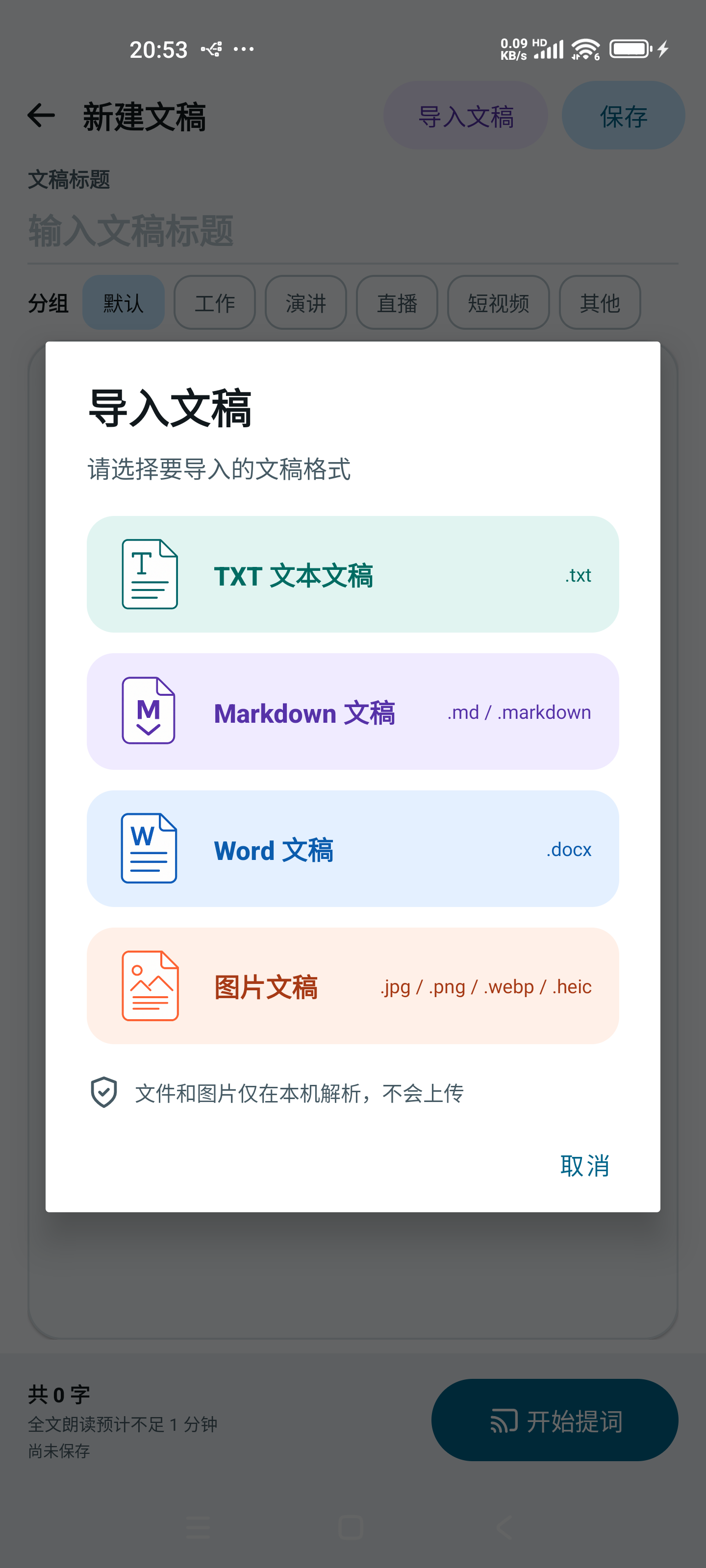
Import TXT, Markdown, DOCX, or images with OCR. Files and images are processed only on your device.
Switch instantly between light, dark, and system themes.
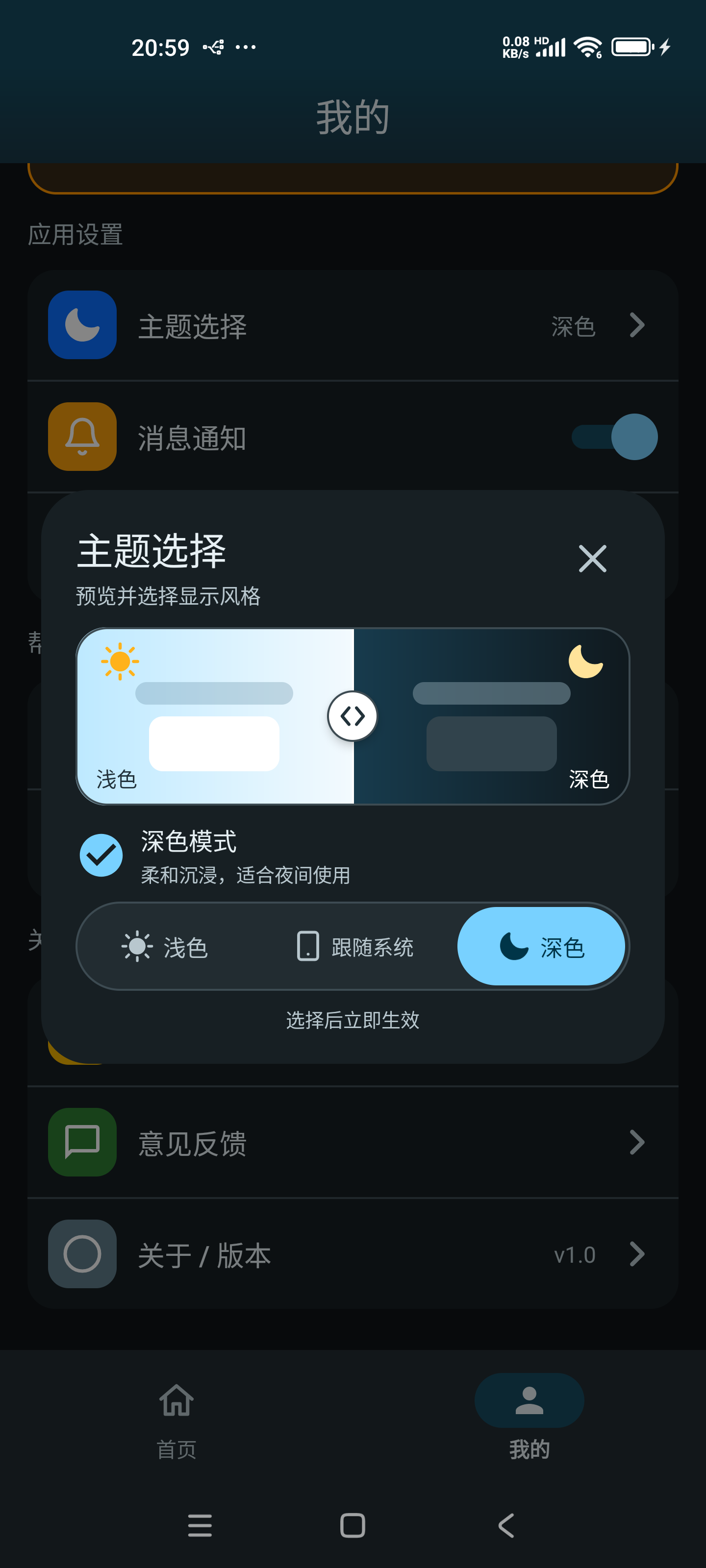
Real App Screens
Saved locally and ready whenever you are
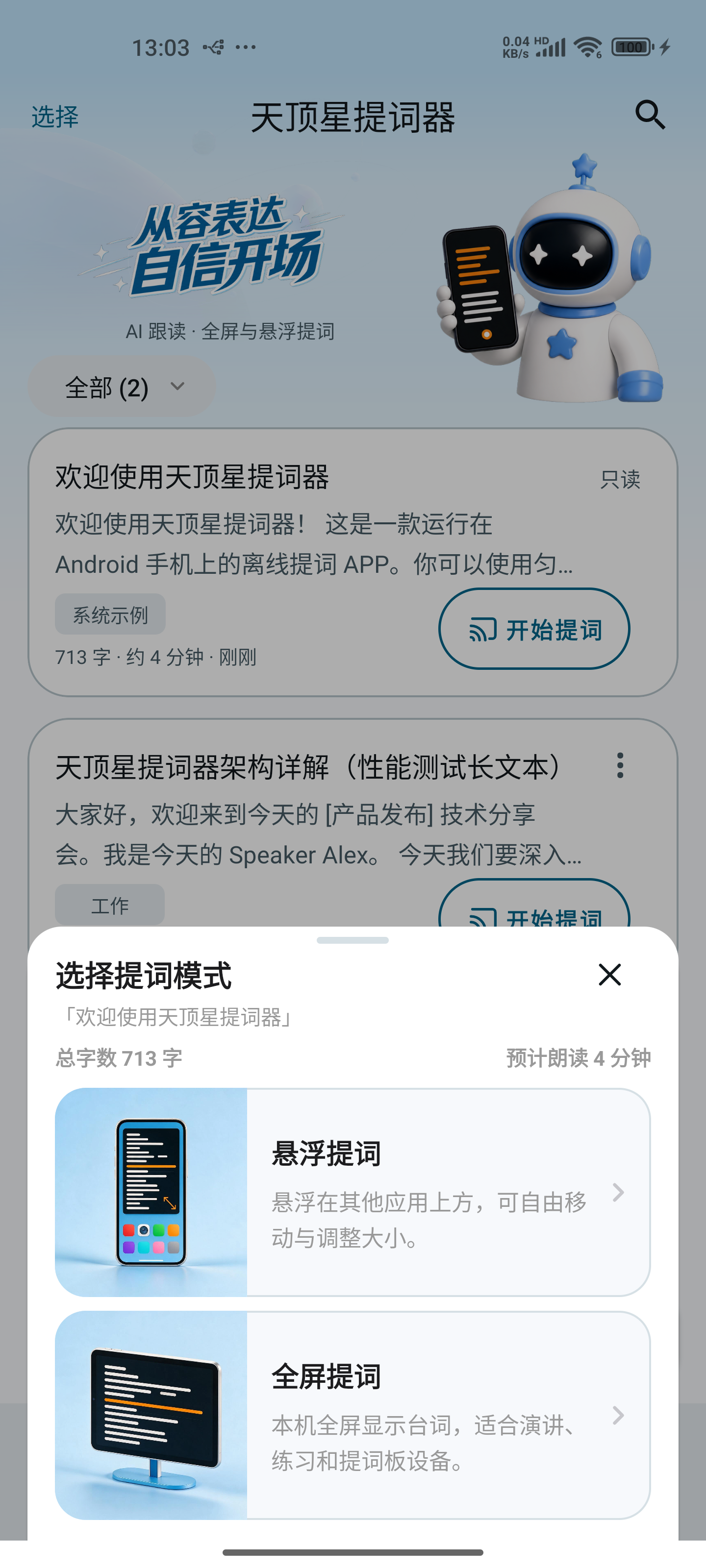
Switch between floating and full-screen prompting
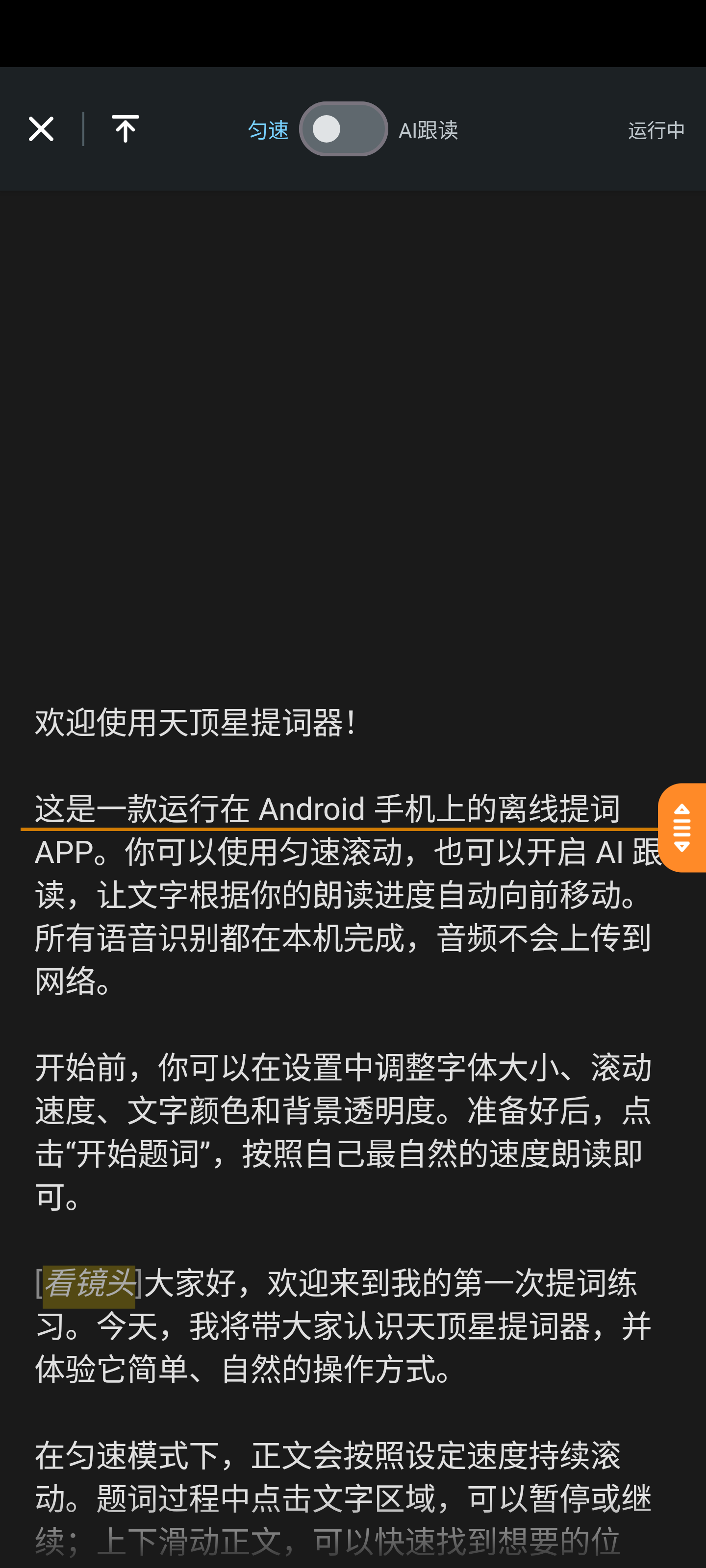
Read clear rich text and switch pace modes anytime
Made for Every Setup
Deliver complete lines to camera and reduce retakes.
Use full-screen mode to control pacing and learn the complete script.
Place the floating prompt over the system camera while recording.
Android / Windows
The Windows 1.0.2 installer is not Authenticode-signed yet, so Windows may show an “Unknown publisher” or SmartScreen warning. Download it only from this site and verify SHA-256: 7836f56ae959fb7e25b94bfb84119742aa613602f29662df87447efed3e2f692